Pages you can style, on a cloud that cannot read them
Your notes are now pages. You can style them, nest them, and fill them with images, and they sync across your Mac and the web. The sync runs through our cloud, and our cloud holds only sealed blocks it cannot read. That is the difference that matters as every notes app races to put AI on your pages.
A page is the one unit
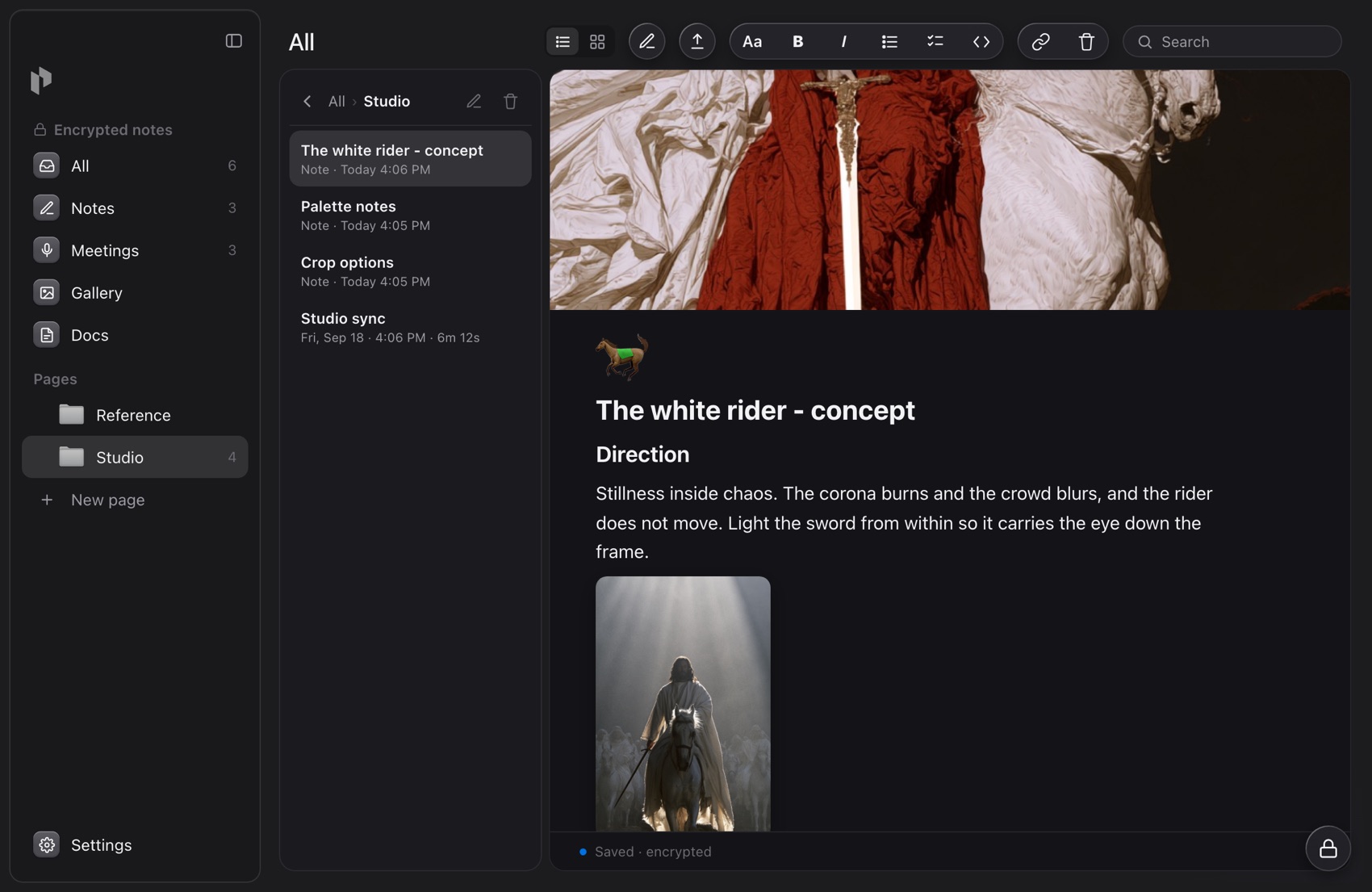
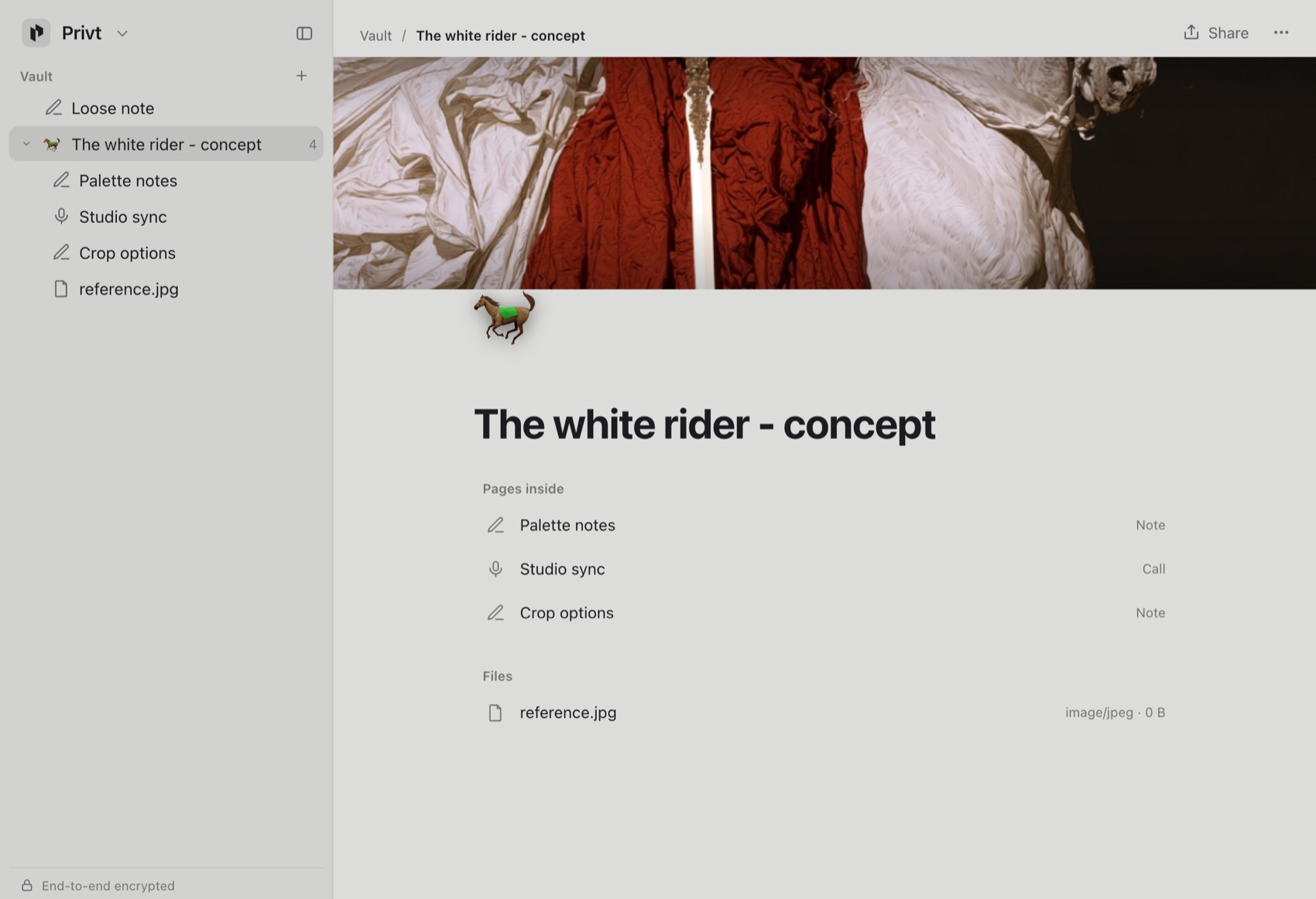
Until this release a note and a folder were different things: a note held text, a folder held notes. That split is gone. There is one unit now, a page. A page holds its own writing, and it can hold other pages inside it. A page with children is what used to be a folder; a page with none is what used to be a note. You organize by dropping pages inside pages and dragging them where you want them. Your existing folders become pages the first time you open the new version, and their contents stay in place.
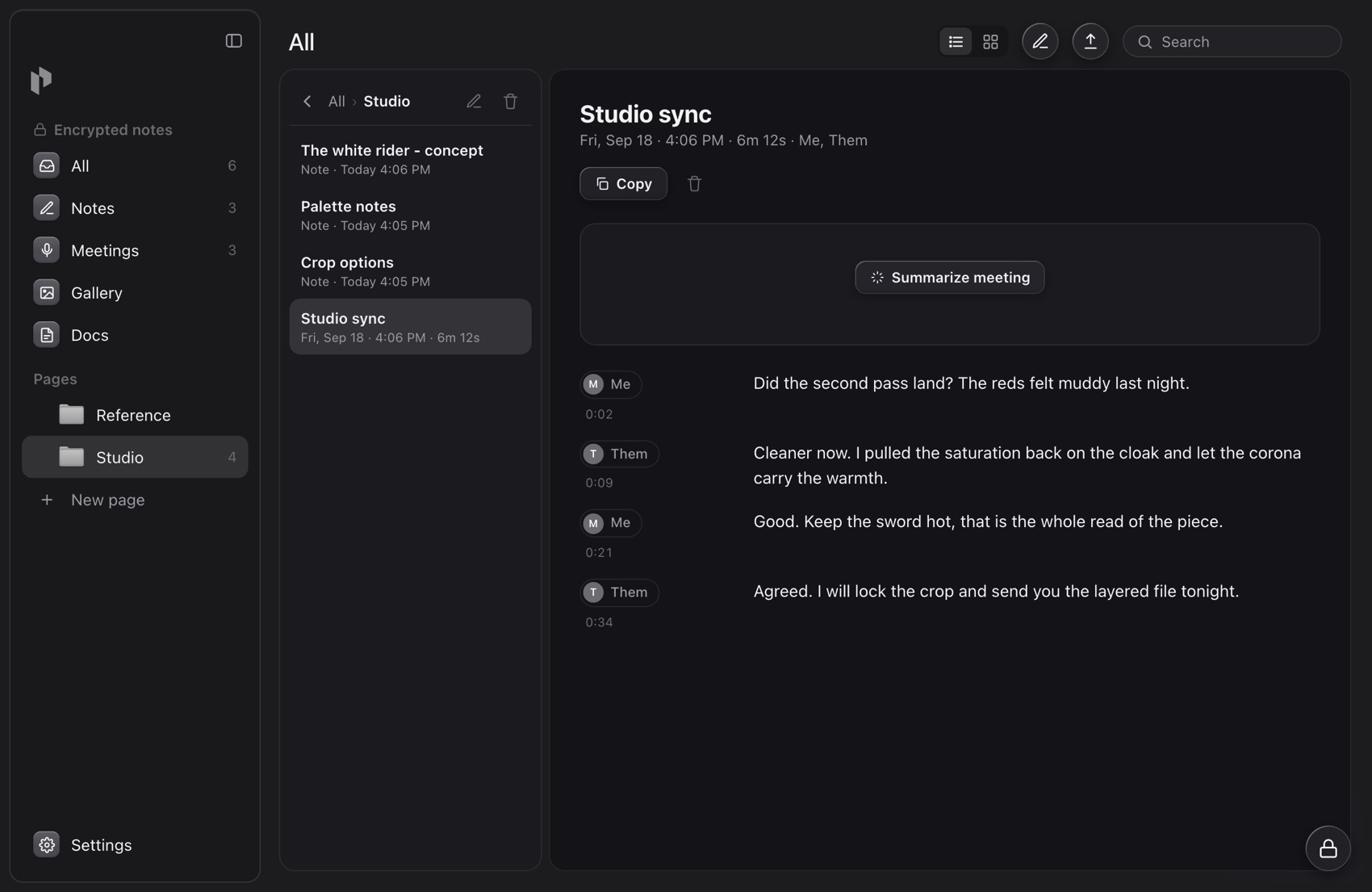
A page can carry a cover banner and an emoji, so a project reads like a project and a trip reads like a trip. Inside a page, typing / opens headings, lists, to-dos, quotes, and dividers, the way a modern editor works. Drop an image into a page and it shows in place. A file belongs in a page too, whether a PDF, a photo, or a document, sealed with the same key as your writing and opened in a clean preview. A recorded call is a page as well, with its transcript kept inside the same sealed envelope.
Your pages sync through a cloud that cannot read them
Open a page on your Mac, edit it, and it is in your browser a moment later, and the other way around. The sync is real, and it runs through our servers, the same way any cloud notes app works. The difference is what those servers hold. Every page is sealed on your device before it syncs. Each saved version gets a fresh 256-bit key and is encrypted with XChaCha20-Poly1305, an authenticated cipher, and padded so its size reveals little about its contents. That per-version key is wrapped under your app master key, which is wrapped under a root key that only your device gesture or your twelve-word recovery phrase can open. The key is created on your device and never reaches our servers.
then synced
version v4
size 16 KB
version v2
size 2 KB
version v9
size 512 KB
version v1
size 8 KB
Covers and images are sealed the same way and stored as opaque blocks with random ids, so the server cannot even tell which cover belongs to which page. A fourteen-agent cryptographic review of the vault confirmed it meets or exceeds Bitwarden and Proton on every item type, and exceeds both on confidentiality.
Most notes apps are not end-to-end encrypted
This is the plain fact underneath the whole comparison, and it is easy to miss because it is rarely stated. In most hosted notes apps, including Notion, your pages are encrypted on the wire and encrypted on the company's disks, but the company holds the keys. End-to-end encryption means something stronger and more specific: the content is encrypted and decrypted only on your own devices, and the service that stores it never holds a key that opens it. Notion's security documentation describes encryption in transit and does not describe end-to-end encryption or a zero-knowledge design, which is the ordinary state of the category, not a Notion flaw. The consequence is exact: a service that holds the keys can read every page you store, and so can anyone it grants that access to.
Which is why they can hand your pages to AI
Because the pages are already readable to the service, feeding them to AI is a small step, and the AI wave is making every notes app take it. Notion documents exactly how. To power its AI it sends your page content to third-party language models, naming Anthropic and OpenAI, and it generates an embedding of every page in your workspace, stored in a third-party vector database. Notion is also clear about the limits it places on this, and they are real: by default it does not use your content to train any model, its providers are contractually barred from training on it, traffic is encrypted in transit, and content is retained at those providers for at most thirty days on non-Enterprise plans and not at all on Enterprise. Those are the right protections for a cloud AI workspace, and this is the ordinary way the category works, not a Notion failing. They are also promises and retention windows rather than cryptography, because the design lets the service read your content in the first place. Deleting a page does not immediately erase its embedding either; that can persist in the vector database for up to sixty days.
 Notion
 AI model
End-to-end encryption removes the need for those promises rather than adding to them. Because our cloud never holds a key, it cannot read a page to summarize it, cannot embed a page it cannot open, and hands nothing readable to any provider. There is no contract to rely on, because there is nothing readable to misuse. This is a property of how the data is stored, so it does not depend on our intentions or on who owns the company. A breach reaches sealed blocks. A new owner still holds no key. The guarantee survives the events that a policy does not.
What this means for AI on Privt
The honest cost of end-to-end encryption is that a server which cannot read your pages also cannot run AI over them for you. We take that cost on your behalf and move the work to where the pages are already open, which is your own device. Privt's in-app Ask runs on Apple's on-device Foundation Models, on your Mac, over pages that never leave it in readable form. The on-device model is smaller than a frontier cloud model, so what you trade is some capability, while the content of your pages stays sealed to everyone but you.
Free on your Mac, Pro across your devices
The vault itself is free and lives on your Mac. Creating pages, styling them with covers and images, recording and transcribing calls, and keeping files all happen on your own device, with no account and no network, and every one of them is sealed the whole time. Pro adds the cloud lane: zero-knowledge sync across your Macs, the web vault, and more storage. Even on Pro you can turn sync off and keep everything on a single Mac. Pro pays for reach across your devices; the encryption is identical on the free tier and the paid one.
Available today
Privt. Vault is live on the Mac and in your browser now. Your notes are already pages, so open one and give it a cover. For the exact construction, key by key, the whitepaper lays it all out.